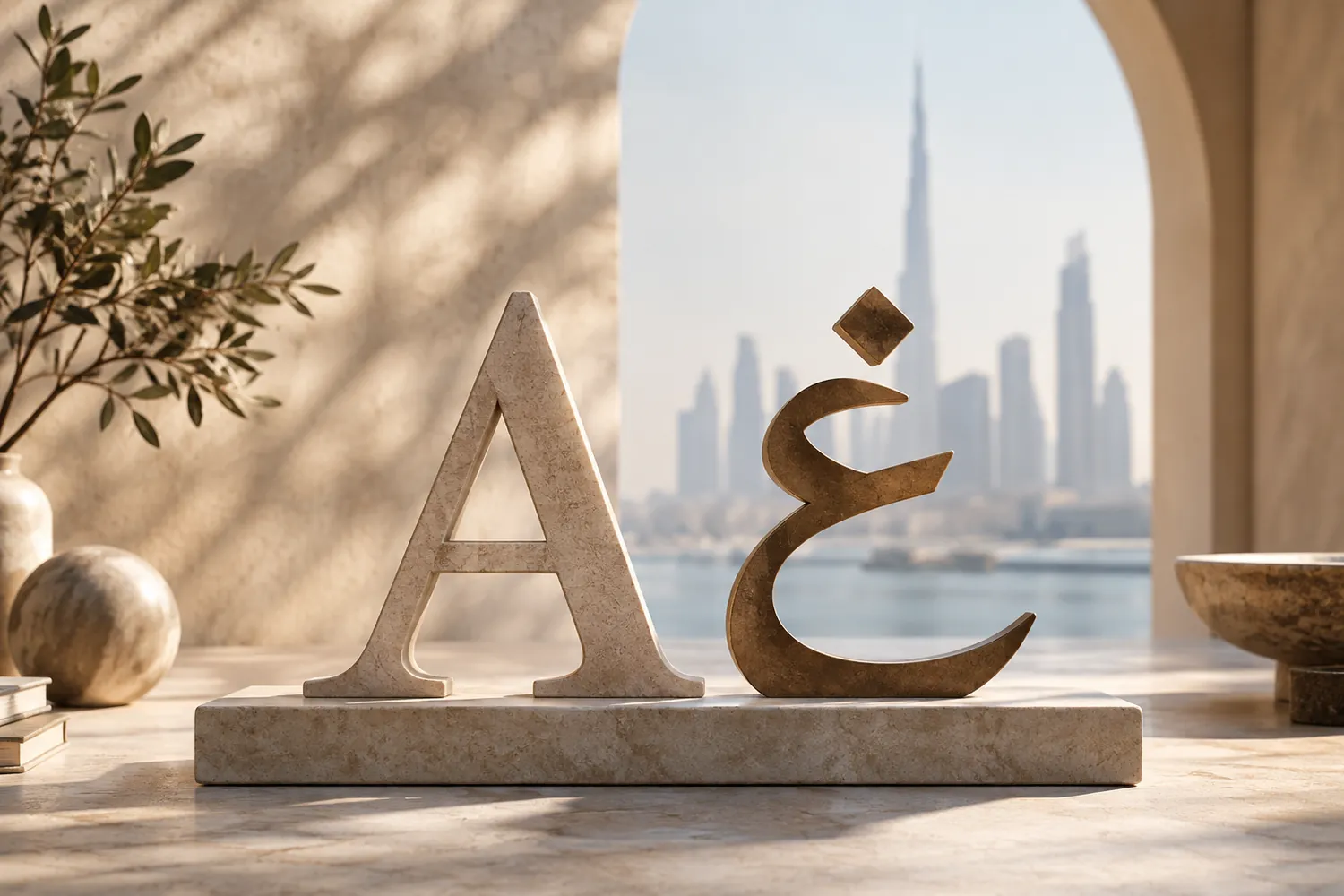
Setting an Arabic typeface and a Latin typeface at the same point size and assuming they will look like a matched pair is one of the most reliable ways to produce a bilingual layout that looks subtly, persistently wrong without anyone being able to say exactly why. The two scripts were not designed together, do not share the same structural logic, and pairing them well means matching how they actually behave, not the number on the size menu.
Why point size alone does not work
Point size measures a fixed technical box around a typeface, not how large or heavy the letterforms inside that box actually appear. Arabic and Latin faces fill that box completely differently — an Arabic face at the same nominal size as a Latin one can look noticeably smaller, lighter or heavier depending on its own proportions, because the two scripts were drawn by different designers, for different structural needs, with no shared standard for how much of the box the letterforms should occupy. Matching the number on the size selector guarantees nothing about how the two actually look side by side.
Structural differences that drive the mismatch
Arabic is a connected, cursive script by nature, with letters joining within a word rather than standing as separate discrete shapes the way most Latin letters do — this alone changes how dense a line of Arabic text reads compared with an equivalent line of Latin text. Arabic has no distinction between upper and lower case, which changes how emphasis, hierarchy and the start of a sentence are typically signalled compared with Latin conventions built around capitalisation. Baseline behaviour differs too: Arabic letterforms often extend further below the baseline than Latin letters do, and x-height — the practical visual size Latin readers actually perceive — has no exact Arabic equivalent, since Arabic letterforms are proportioned differently from the outset.
What to match instead
Match perceived weight, not point size. Set candidate pairings at the sizes they will actually appear at in the layout and judge by eye whether one script reads visibly heavier or lighter than the other, then adjust the point size or weight of one to bring them into balance — the numbers on the size menu are a starting point, not the answer.
Test both scripts at their real deployment size, not enlarged on a design screen where small mismatches disappear. A pairing that looks fine at a large mockup size can fall apart at the actual size of a business card or a mobile screen, where the compounding effect of a slightly wrong x-height or line-height becomes visible.
Choose the Arabic typeface deliberately, rather than accepting whatever a system automatically substitutes when Arabic text appears inside software built around Latin typefaces. Automatic substitution optimises for technical compatibility, not for looking intentionally paired with the Latin face actually chosen for the brand.
Watch line-height and diacritics together. Line spacing copied directly from a Latin-only layout is a common place bilingual type breaks — Arabic's vertical extension and any diacritical marks in use need more breathing room than a Latin-tuned line-height typically provides, and tight spacing that looks fine in English can cause visible collisions in Arabic.
What this is actually worth
A brand that gets this pairing right reads as considered in both languages, not as an English system with Arabic bolted on as an afterthought — and a bilingual audience notices the difference immediately, even if they could not name what was wrong with the version that got it wrong. Our branding team treats the Arabic and Latin pairing as its own deliberate decision in every identity project, not a technical setting resolved automatically once the English typeface is chosen.