
A beautifully shot, carefully retouched photograph that takes several seconds to load has already lost a share of the people who would have seen it, because a slow-loading page loses visitors before the image ever finishes rendering. The choice of file format and compression setting, made once during export, has more effect on how many people actually see a photograph than almost any other decision made after the shoot itself.
JPEG, WebP and AVIF, in practical terms
JPEG is the long-standing default: universally supported, reasonably efficient, and a safe fallback for anywhere compatibility is uncertain. WebP typically produces a meaningfully smaller file than a JPEG at a comparable visual quality and is now supported by effectively every modern browser, which makes it a sensible default for most web use rather than a niche choice. AVIF compresses further still in many cases, at the cost of slightly heavier processing to encode and, in some older or less common browser and tooling combinations, less consistent support — worth testing on your own site before switching a whole library over rather than assuming it behaves identically everywhere.
Where quality differences stop being visible
Compression is not all-or-nothing — it is a sliding scale, and past a certain point on that scale, further compression saves file size without a viewer being able to tell the difference at normal viewing size and distance. The threshold varies by image: a photograph with large areas of smooth colour or soft focus compresses harder before artefacts appear than one full of fine detail and sharp edges, like text, patterns or intricate texture. The practical approach is to compress toward the point where saved file size stops being worth the risk of visible quality loss for that specific image, rather than applying one blanket setting to an entire library regardless of content.
Size the image for where it is actually displayed
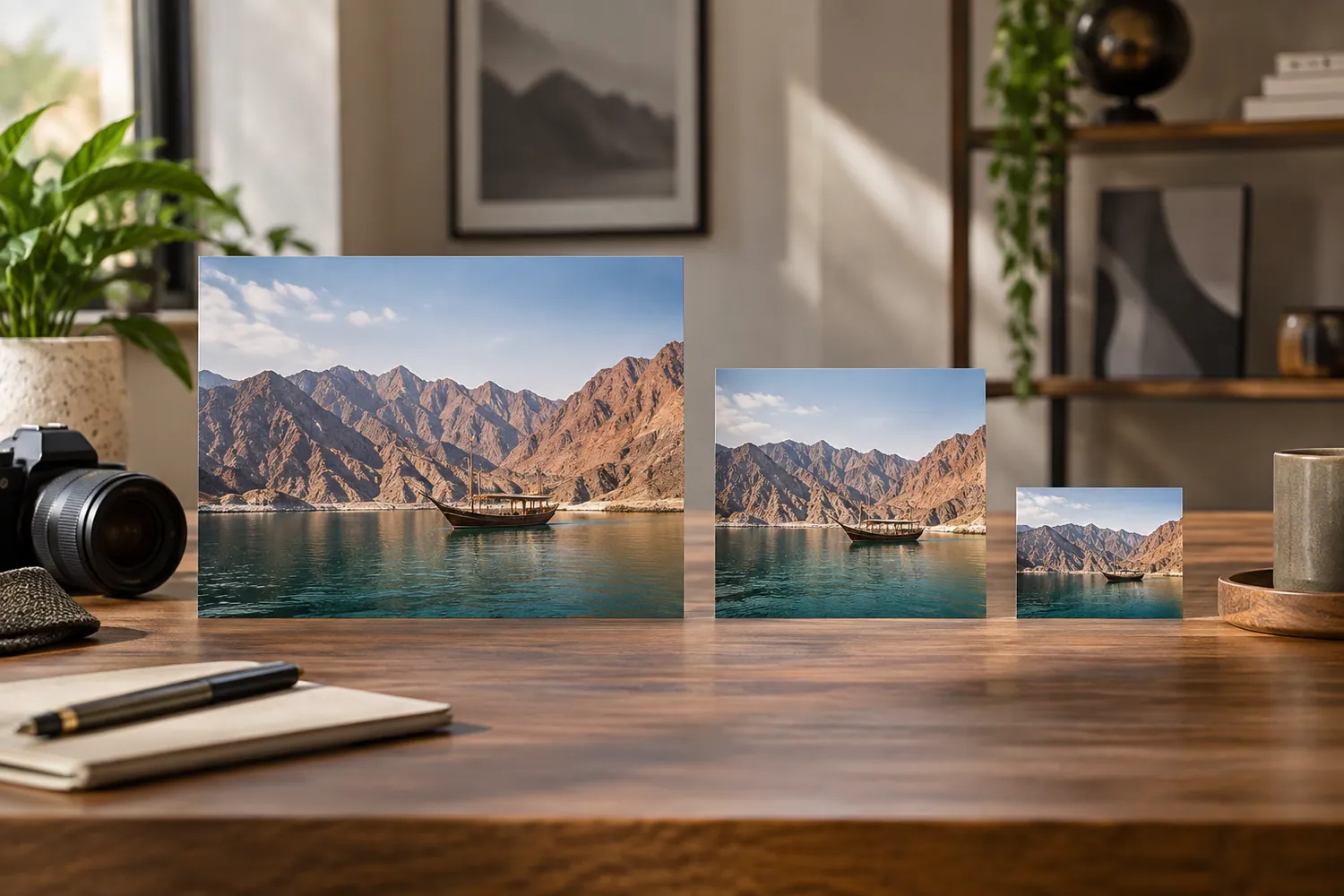
A photograph exported at full shoot resolution and then simply resized down by the browser wastes bandwidth on pixels nobody sees — the browser still has to download the full file before it can shrink it visually. Exporting multiple sizes matched to where an image will actually appear — a small thumbnail, a mid-size card, a full-width hero — and serving the appropriate one for each context is a bigger improvement to loading speed than almost any single compression setting.
This is a delivery decision, not just a technical one
The choice of format and size happens after the creative work is finished, but it still shapes whether that creative work is actually seen the way it was intended — a beautifully lit photograph loaded slowly, on a spinner, competing with visitor impatience, does not represent the shoot the way the same photograph loading instantly does. Treating export settings as part of the production process, not an afterthought handled generically by whichever platform the site runs on, protects the value of the photography itself.
Our team exports and serves images with the format, compression and sizing matched to how a site actually loads them, because a photograph that never finishes loading has not really been seen at all — no matter how well it was shot.