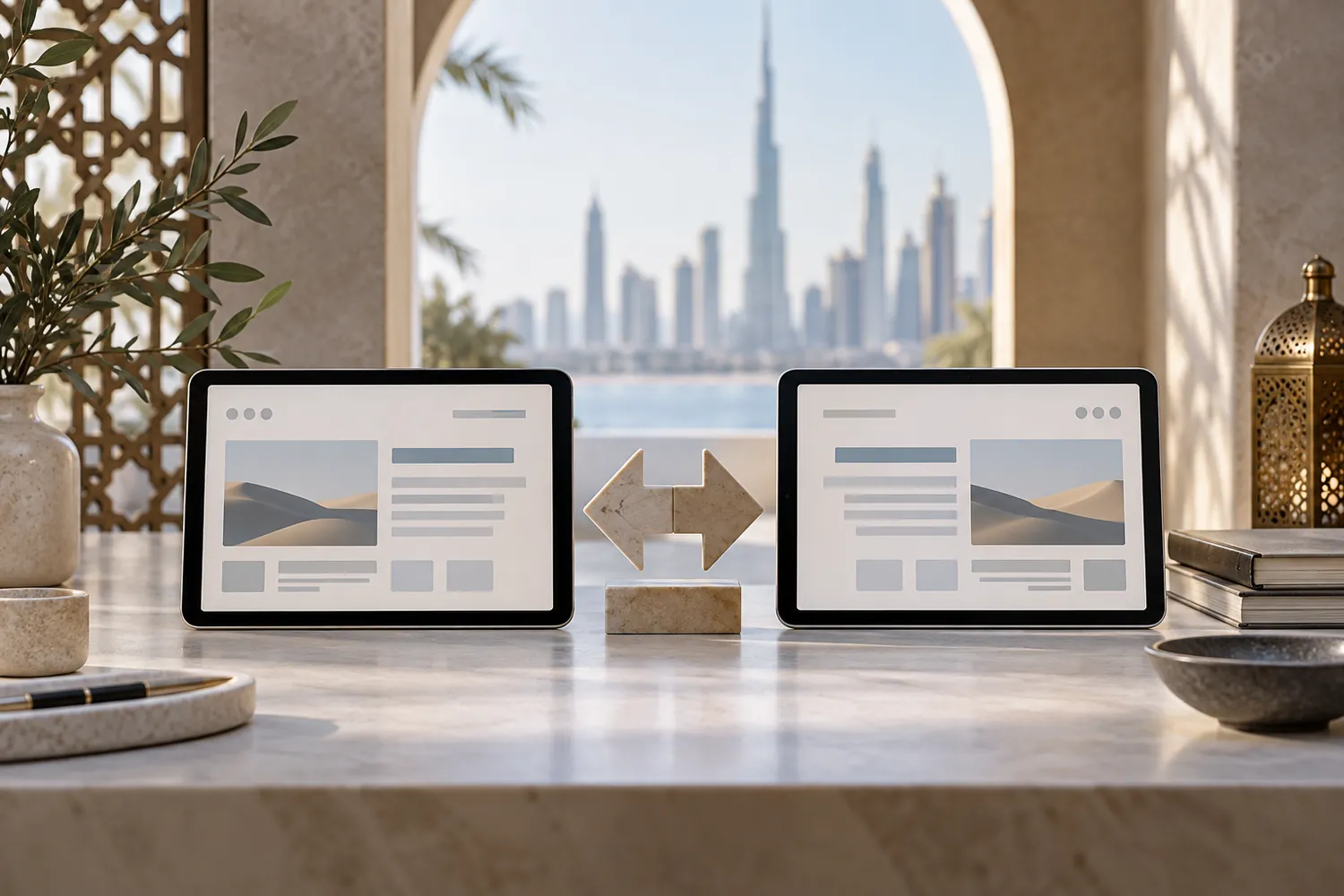
Flipping a layout from left-to-right to right-to-left is the part every framework already does for free, and it's also the part that convinces teams the job is finished. Mirroring the grid gets a site to roughly 80% of the way there. The remaining 20% — typography, numerals, icon direction, and the handful of elements that shouldn't mirror at all — is what decides whether an Arabic-speaking visitor experiences a site built for them or a site built for someone else and reversed.
Mirroring is necessary, not sufficient
Automatic RTL support handles the big, structural moves correctly: navigation swaps sides, paragraphs align right, the reading flow reverses. What it does not handle is judgement about which elements should follow that flow and which shouldn't. A phone number, a price, a product code, and a logo generally should not mirror — they read the same direction in both languages — but a layout that mirrors everything indiscriminately will flip these too, producing a page that is technically RTL and practically wrong in specific, jarring spots a native Arabic reader notices immediately even if they can't always name why.
Typography is doing more work than people expect
Arabic script is not a font swap on top of the same typographic rules that work for Latin script. Line height that looks comfortable for English text often feels cramped for Arabic, because Arabic letterforms carry more vertical detail and connect differently within a word. Font weight behaves differently too — a weight that reads as elegant in a Latin typeface can read as either too thin or too heavy in the equivalent Arabic cut, because most typefaces pair a Latin family with an Arabic companion designed separately, not derived from the same drawing. Treating the Arabic version as a straight visual clone of the English one, just mirrored and re-fonted, is where most of the "feels flipped" reaction actually comes from.
Numerals are a genuine choice, not a default
Western Arabic numerals (0123456789) and Eastern Arabic numerals (٠١٢٣٤٥٦٧٨٩) are both in everyday use across Arabic-speaking markets, and which one reads as natural varies by country, by context, and often by the individual reader's own habit. There is no single universally correct answer here — the choice should be made deliberately for the audience the site is actually built for, and applied consistently, rather than left to whatever a font or framework defaults to, which frequently produces an inconsistent mix within the same page.
The details that make the difference
Icons that imply direction — a "next" arrow, a back button, a progress indicator — need their direction reconsidered specifically, not automatically flipped along with everything else; some genuinely should reverse, others (like a play button, which is universal) should not. Form fields need their own attention: a field expecting a Latin-script value, like an email address, should stay left-to-right even inside an otherwise right-to-left form, or the input becomes confusing to type into. And spacing that was tuned by eye for English text rarely survives the mirror unchanged — Arabic word and letter spacing has its own rhythm, and reusing the English spacing values verbatim is a common, easily missed cause of a page that looks slightly off without an obvious reason why.
What "done" actually looks like
The test that catches what an automated mirror misses is having the Arabic version reviewed by someone who reads Arabic as a first language, using the real interface, not a design mockup — screen mockups hide font-rendering and spacing problems that only appear once real browser fonts are involved. A bilingual interface earns the word "native" when the Arabic version reads as if it were designed first, not translated and mirrored second.
This sits inside the same discipline as treating the website as a working part of the business rather than a static brochure — a site that only performs for one of its two audiences is only half doing its job. Our web team builds and reviews bilingual interfaces with native Arabic review built into the process, not bolted on at the end.